MySQL Workbench: SQL Development
MySQL Workbench gives developers a complete set of visual tools to create, edit, and manage SQL queries, database connections and objects.

Visual SQL Editor
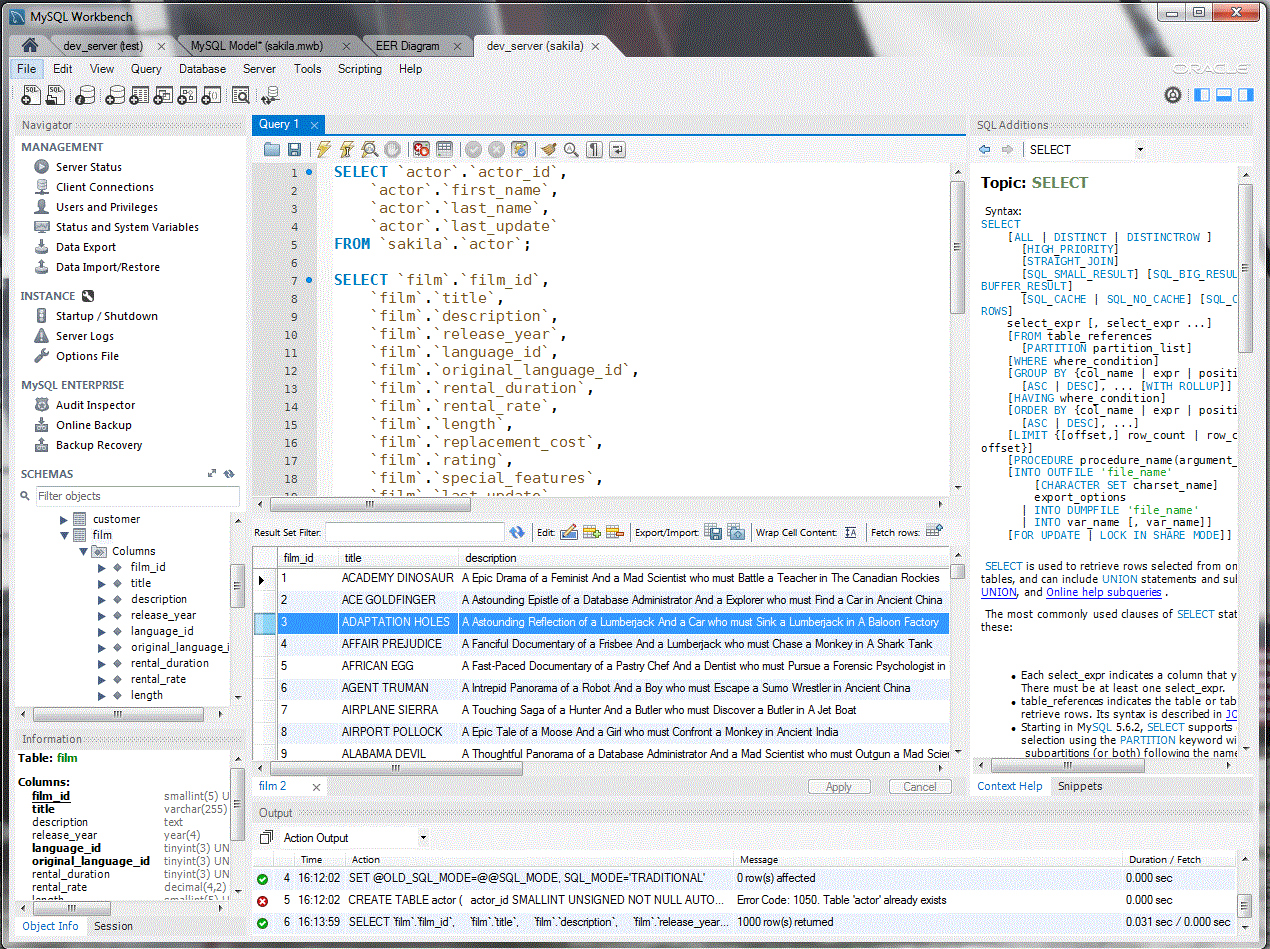
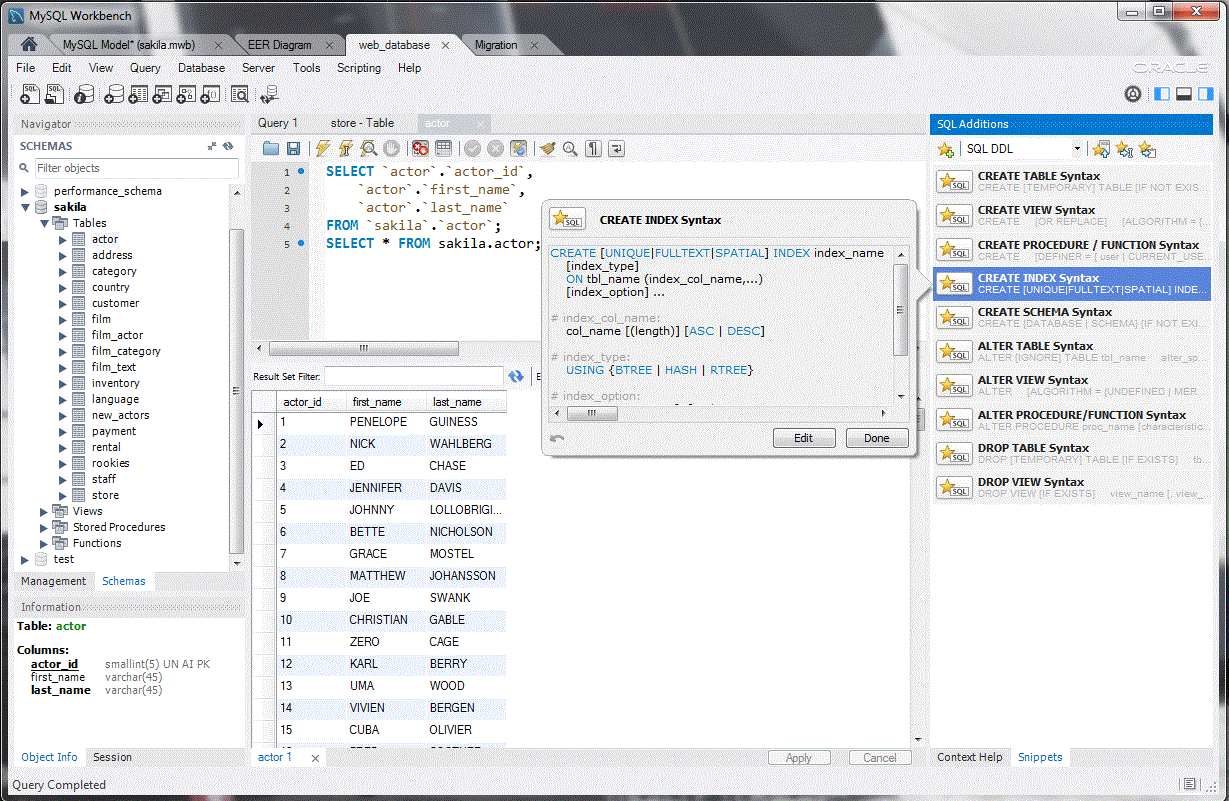
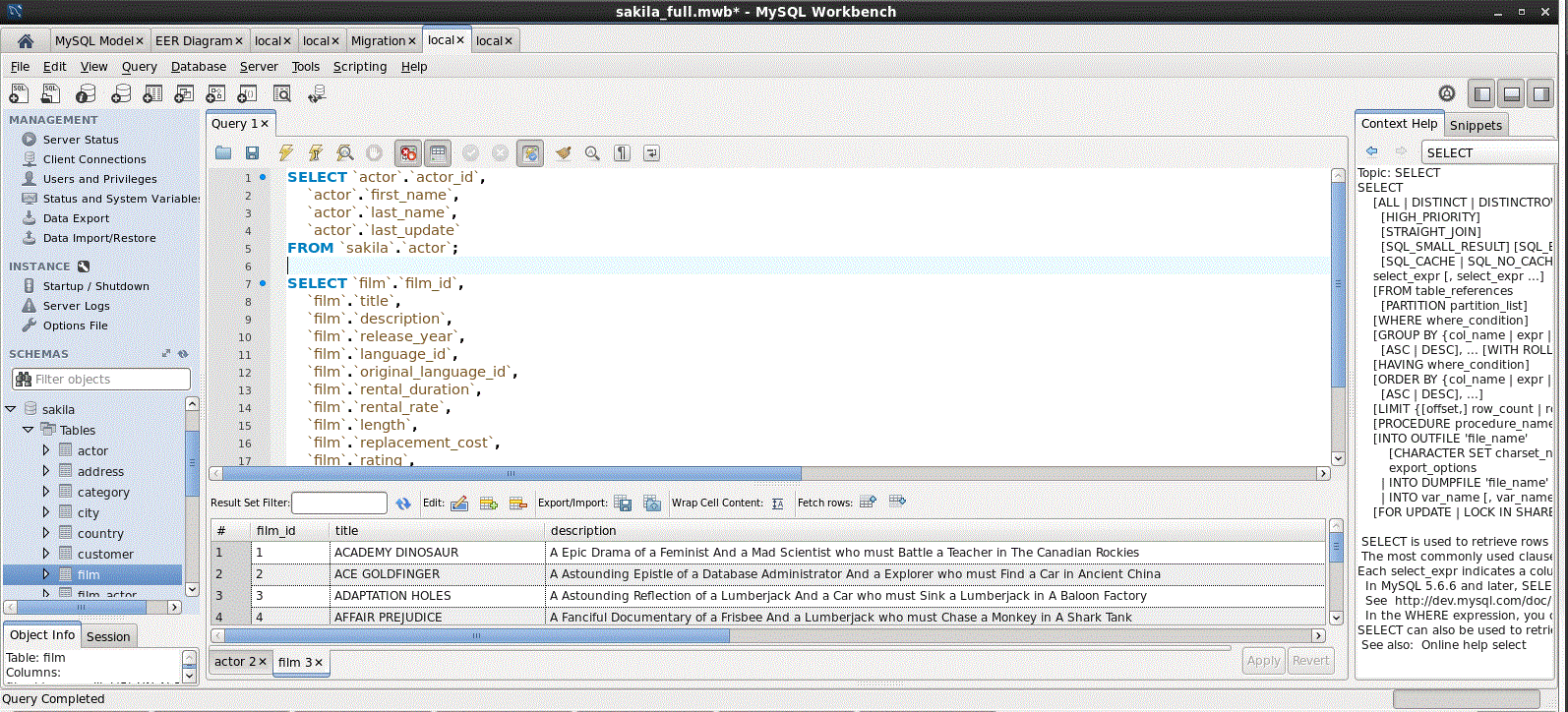
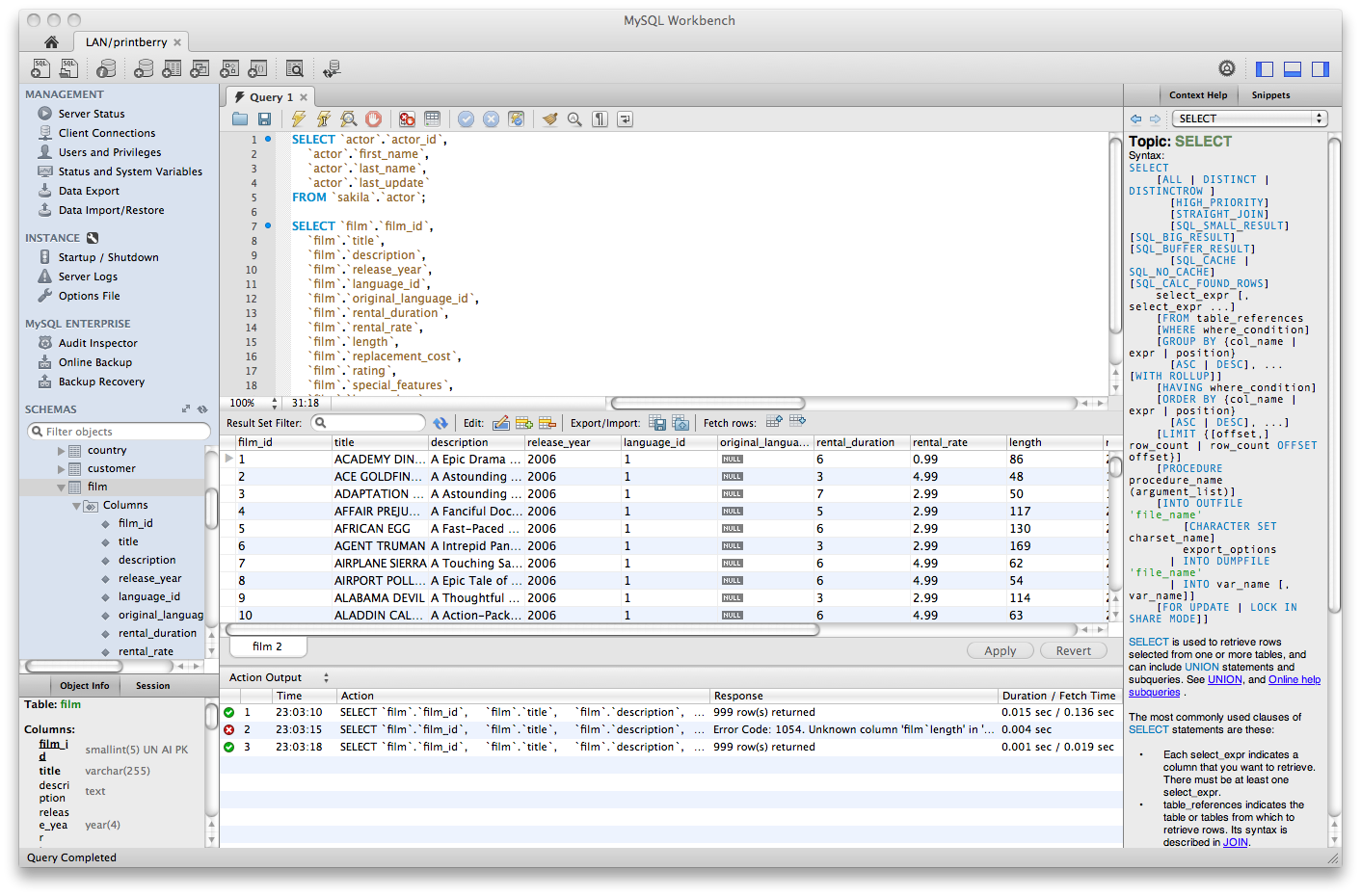
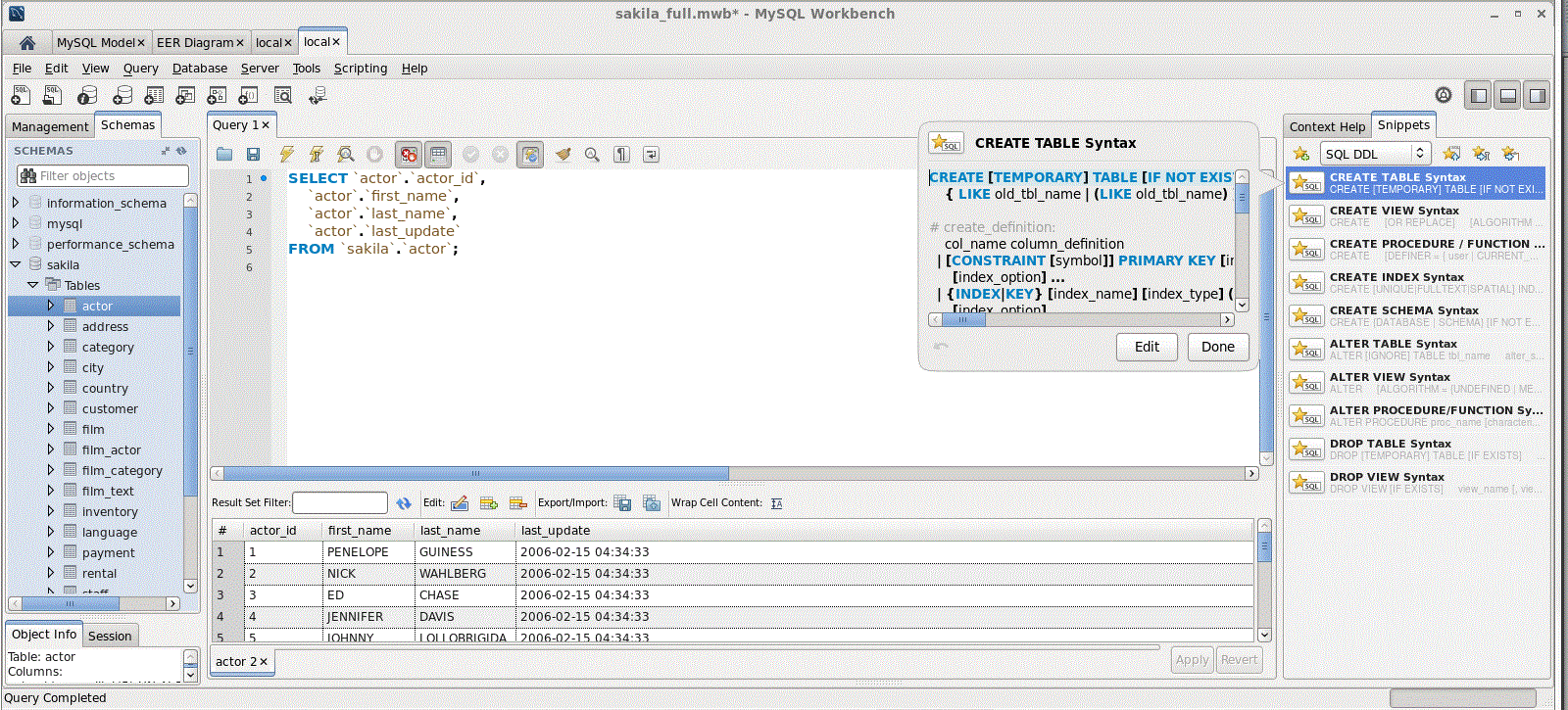
The visual SQL Editor lets developers build, edit and run queries, create and edit data, and view and export results. Color syntax highlighting, context sensitive help and auto-complete aids in writing and debugging SQL statements. And EXPLAIN plans can easily be gathered to help optimize queries. The SQL Editor provides:
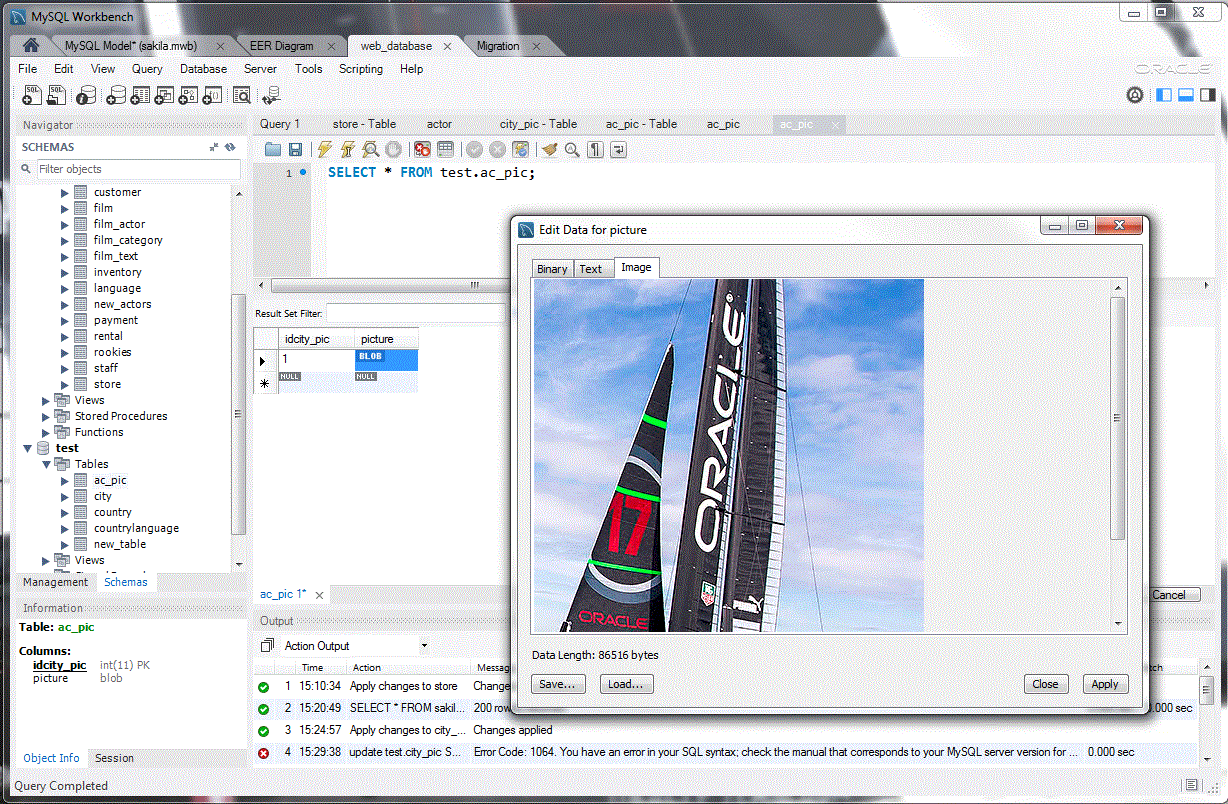
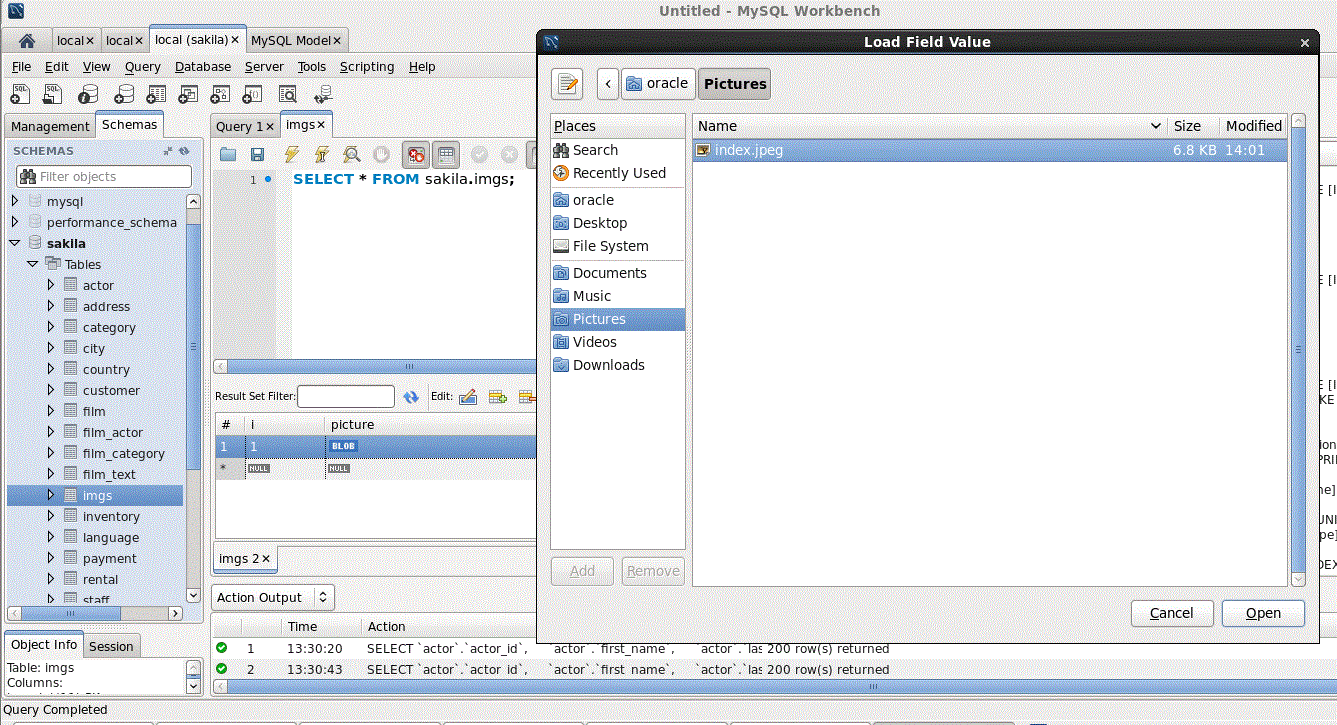
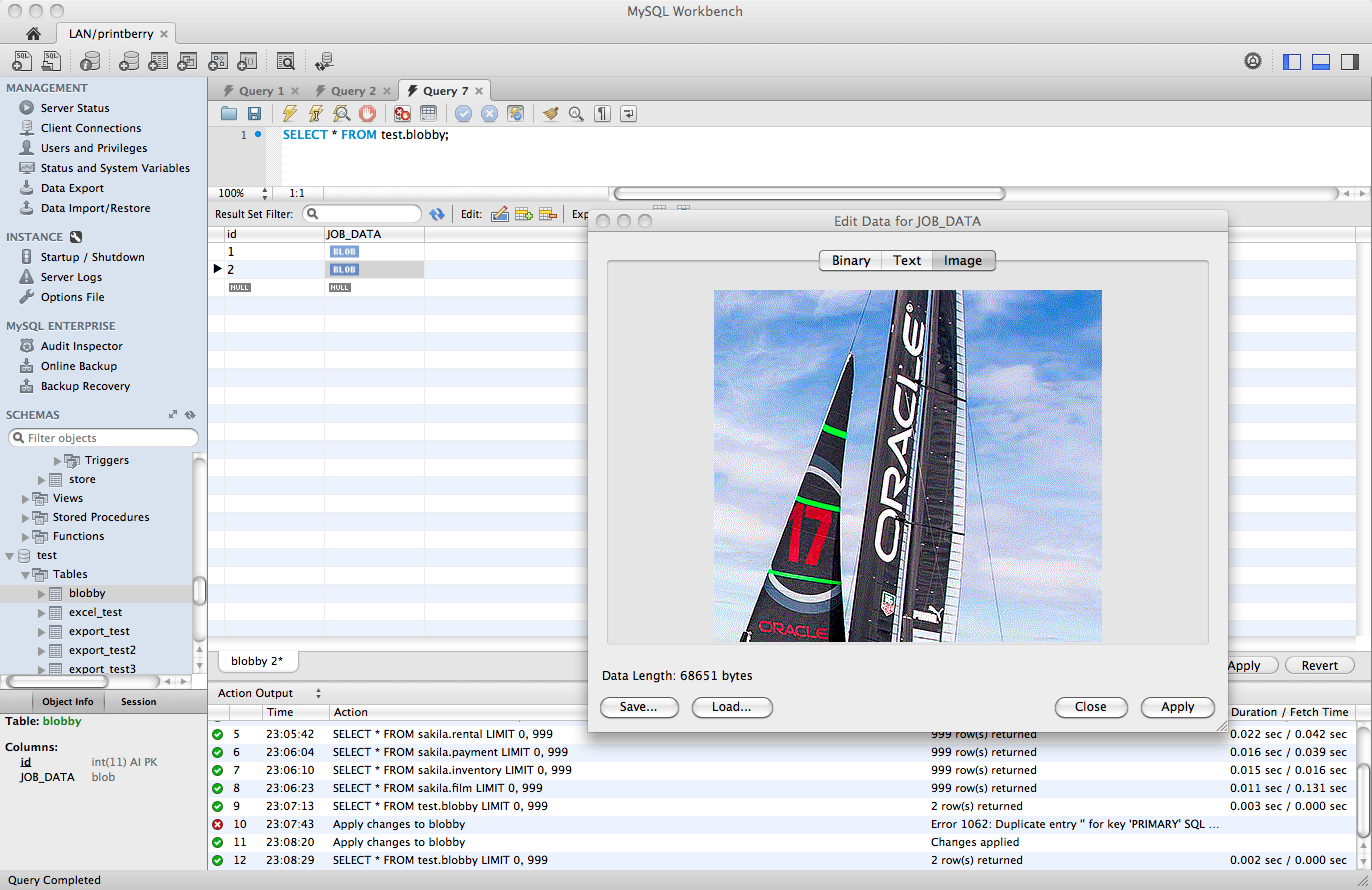
- Table Editor - easily edit data and commit changes using a simple grid format.
- Results Window - execute multiple queries simultaneously and view text results, image and spatial views, and query performance statistics on individual tabs.
- SQL Snippet Panel - save and easily reuse common Selects, DML and DDL code.
- History Panel - view complete session history of queries and statements showing what queries were run and when. Easily retrieve, review, re-run, append or modify previously executed SQL statements.
- Table Data Search Panel - find data across an entire database by proving text search on any number of tables and schemas, showing rows matching a given pattern.
- Export Results - export results data to common formats including CSV, HTML, and XML.
Object Management
The Object Browser enables developers to easily navigate database schemas and objects. DBAs can visually select tables and fields to query, edit tables, create new tables and databases, and drop tables and databases.
- Schema Inspector - Leverage a suite of detailed grids on all objects in their database schemas to view, sort, and analyze various details and statistics. From within Schema inspector developers can easily invoke table maintenance operations such as ANALYZE and OPTIMIZE TABLE.
- Object Browser - Easily navigate, explore, and perform actions on database objects (tables, views, triggers, etc.)
- Object Editor - Easily edit, create or delete database objects (tables, views, triggers, etc.)
Connection Management
The Database Connections Panel and Connections Wizard enables developers to create, organize, and manage standard database connections, including MySQL Fabric. Advanced users can use the Manage Connections dialog to enter connection parameters like IP address, port, username, and password, as well as easily create secure remote connections via ssh.