MySQL Workbench: Administration
MySQL Workbench integrates database administration tools into a simple to use graphical user interface. The visual console enables DBAs to easily perform operations such as configuring servers, administering users, export and import, and viewing logs.




Backup/Recovery
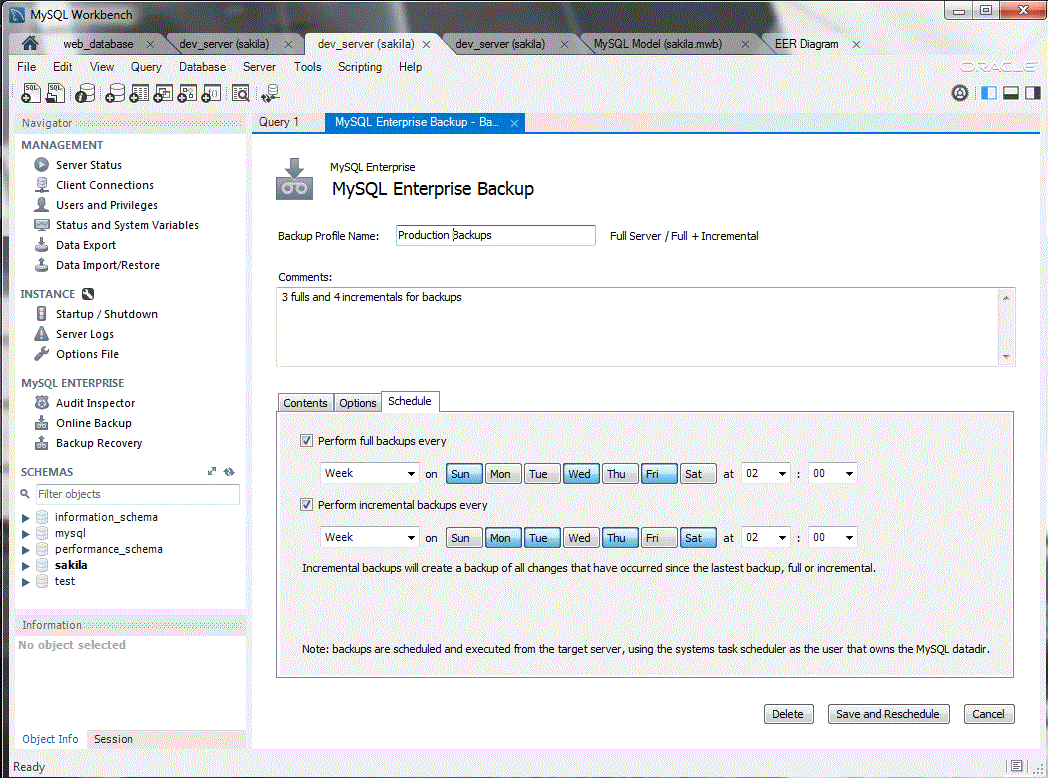
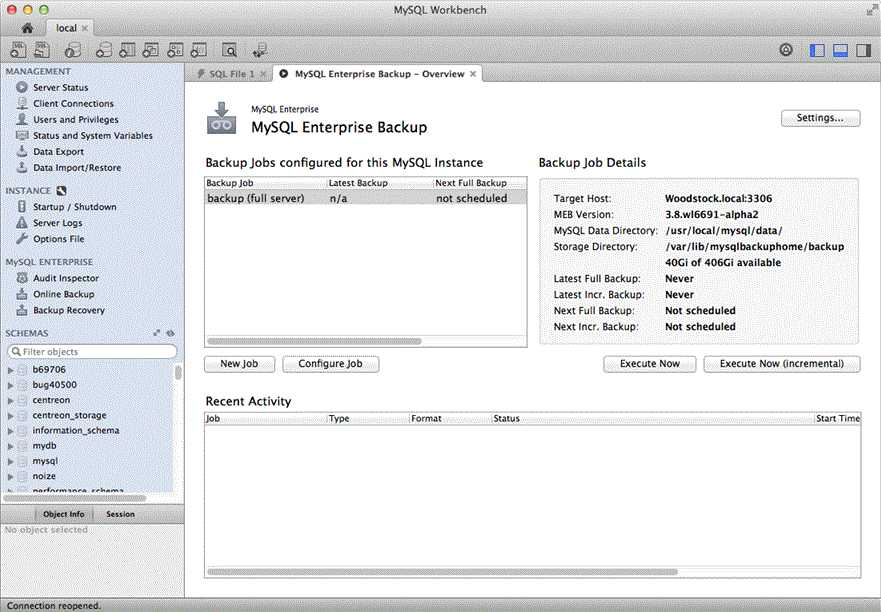
Easily create and manage online MySQL backups using the Workbench GUI for MySQL Enterprise Backup. Simple to setup, run, schedule, and view backups while in progress, this tool helps to quickly put proper backups in place. When its time to restore, the GUIs assesses the history - what, when, and where - and steps a DBAs through the recovery process.
Auditing
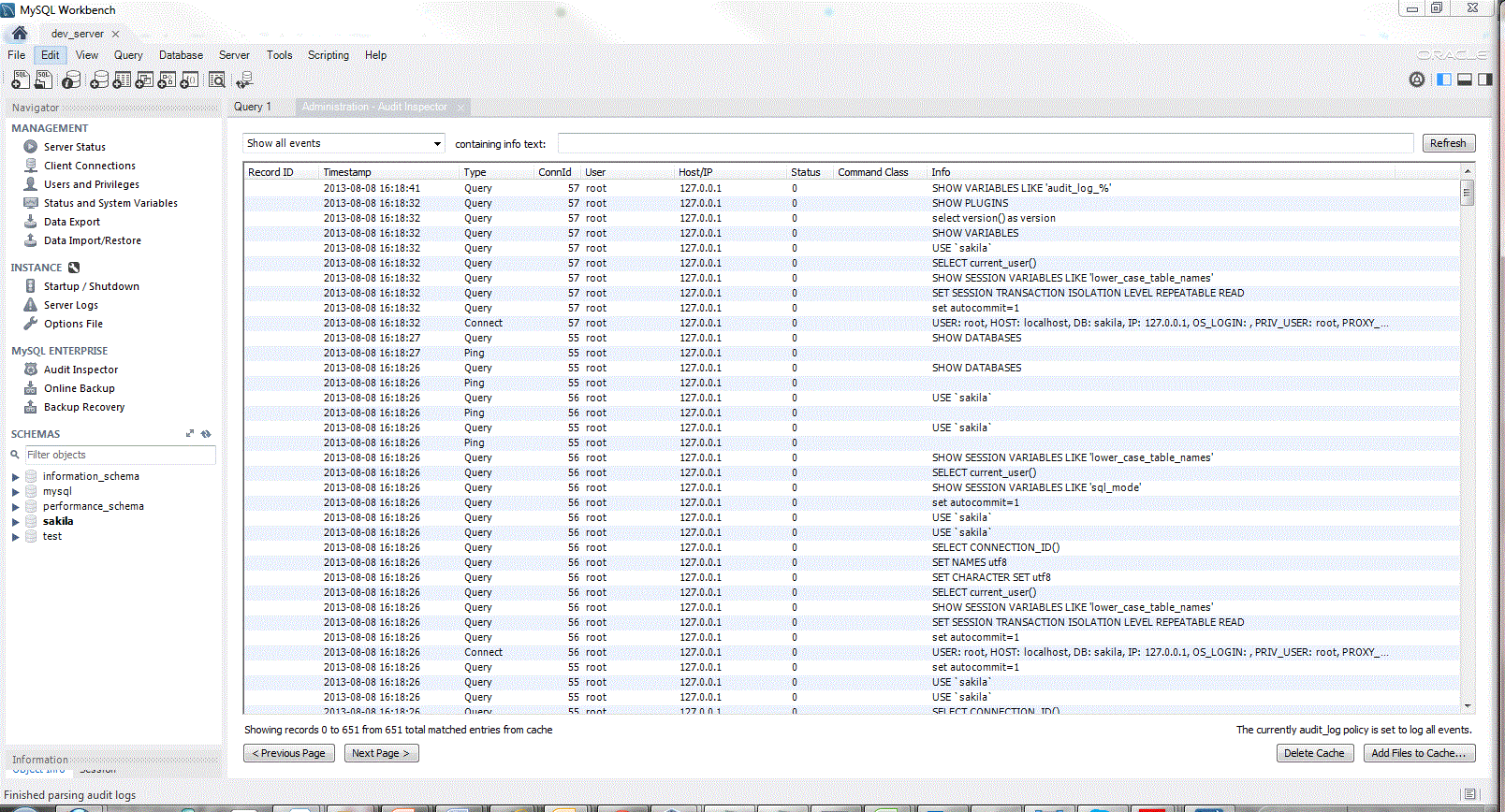
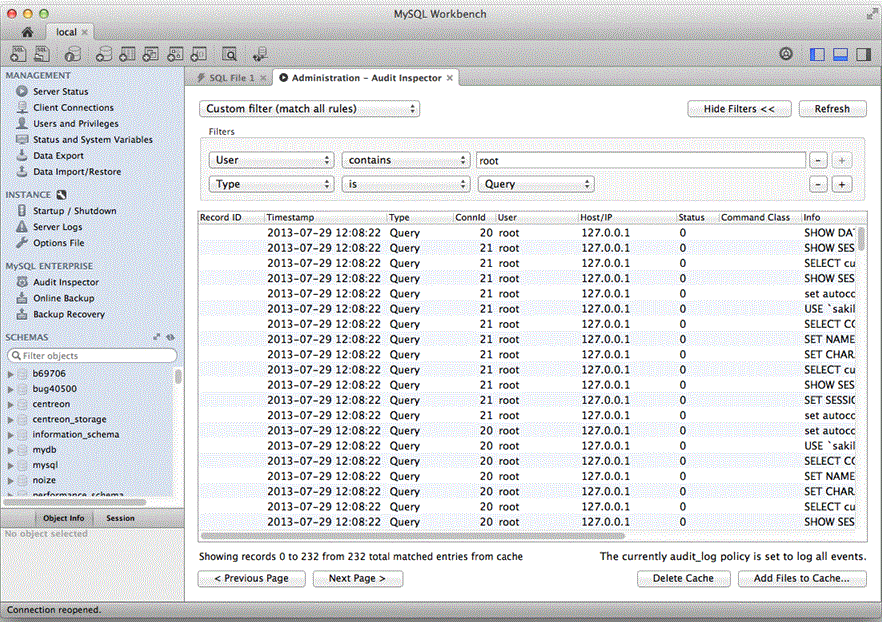
Easily enable MySQL Enterprise Audit and see who did what, when, where and how. Using built in filters and text search, DBAs can easily find suspect activity in your audit trails. MySQL Workbench provides a powerful grid view and enables DBAs to quickly page through data and sort across nine attributes such as user, ip, activity type, date and time.
User Administration
Administering users, granting privileges and viewing privilege information has never been easier. Using MySQL Workbench DBAs can visually add users, assign passwords and setup user profiles. Assigning and revoking global and database privileges is as easy as adding and removing privilege items from an available list.
Server Configuration
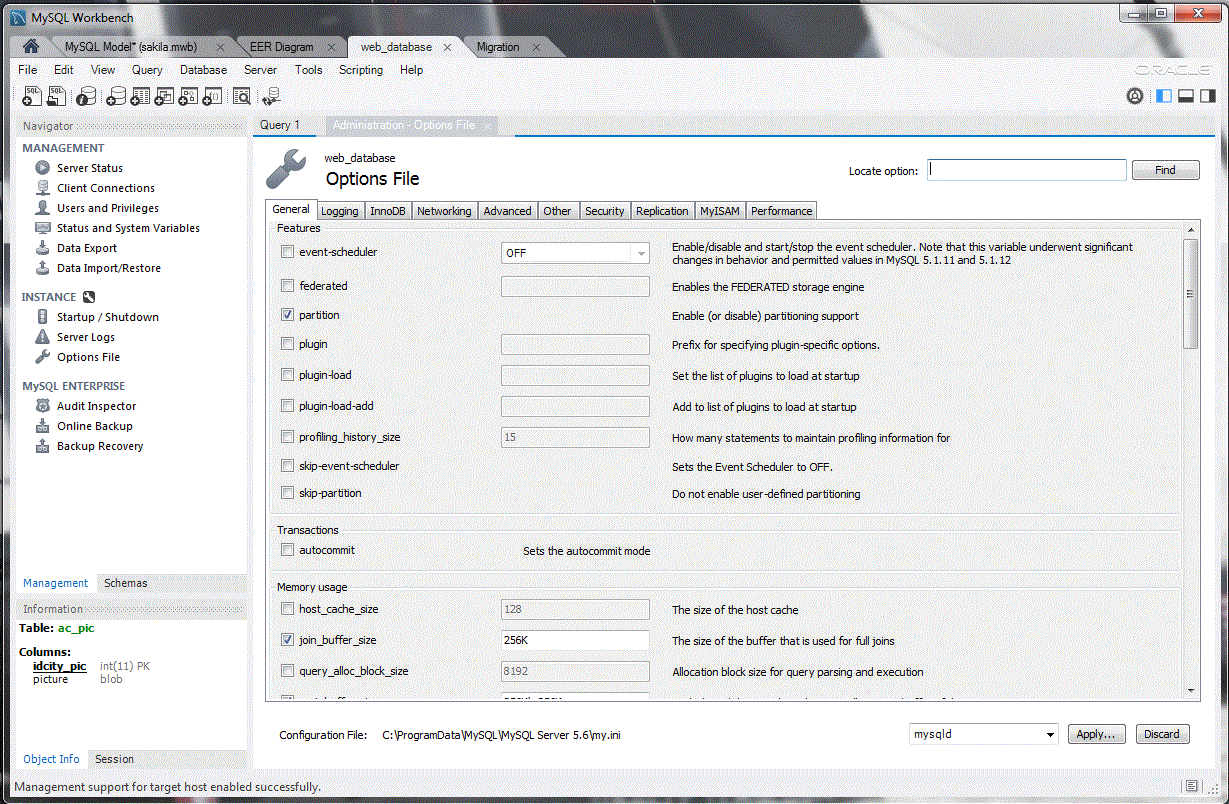
MySQL Workbench allows DBAs to easily view and edit general and advanced parameters to quickly fine tune MySQL servers.
Server Connections
Improve server management with a comprehensive view of all server connections and visual tree based navigation provides detailed information about server and status variables, including number of threads, bytes sent and received by clients, buffer allocations size, and more.
SSL Certificate Wizard
The SSL Certificate Wizard helps create proper SSL certificates for both MySQL clients and MySQL servers. Connections in MySQL Workbench are updated with the certificates by the wizard.
Server Logs
View all the MySQL log files including error logs, binary logs, and InnoDB logs from a single, centralized administration environment to diagnose server problems quicker and track database changes.
Export/Import
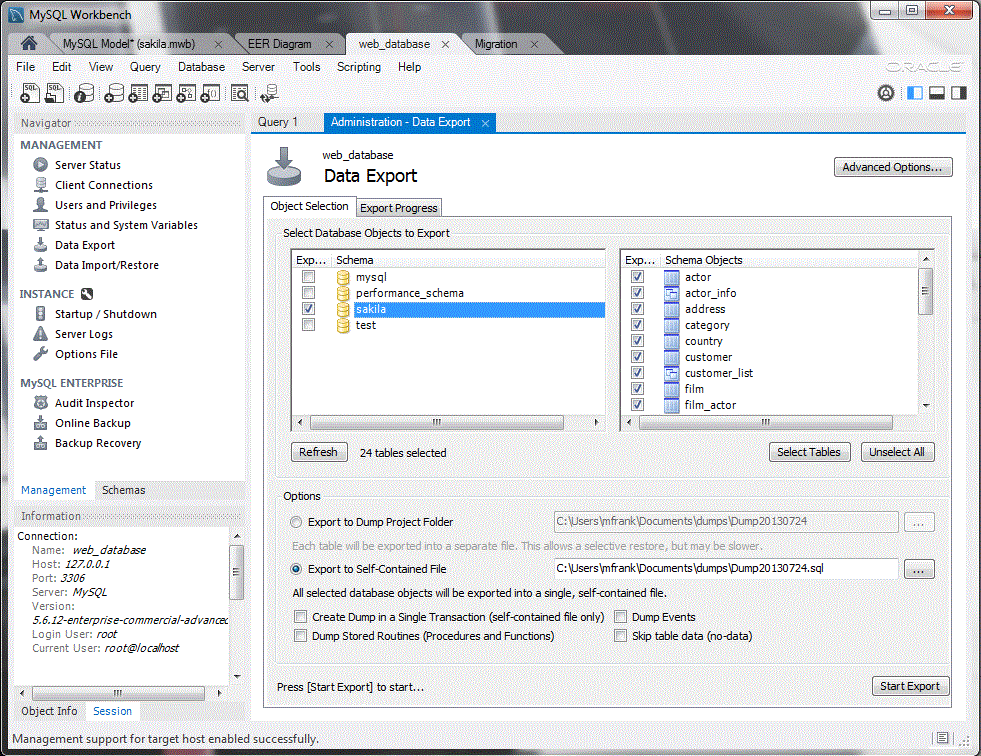
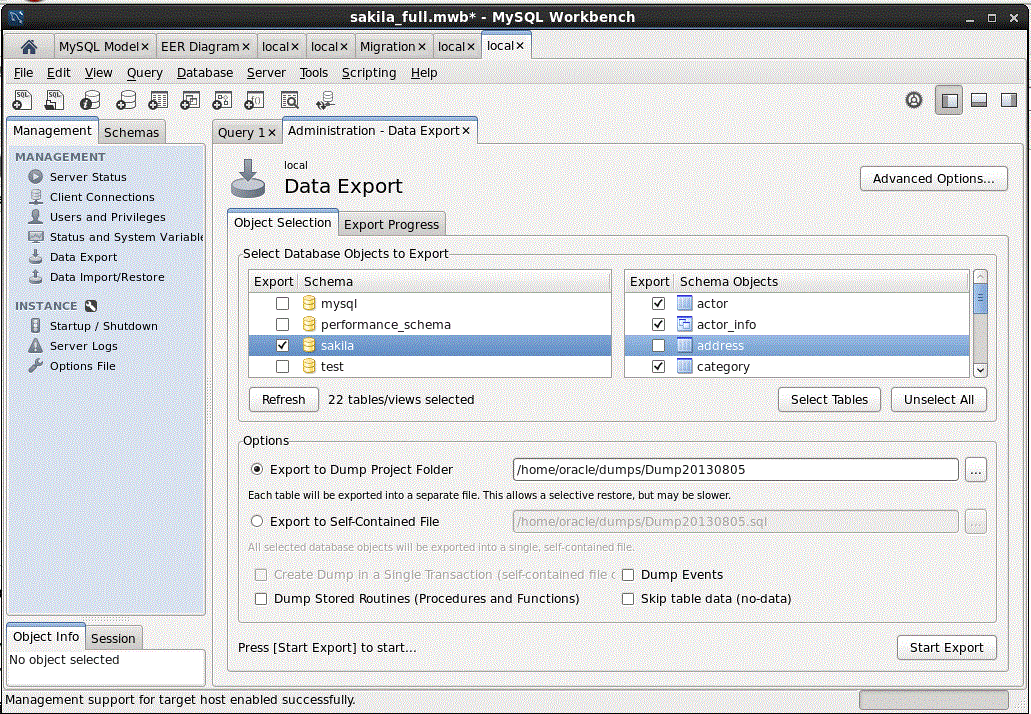
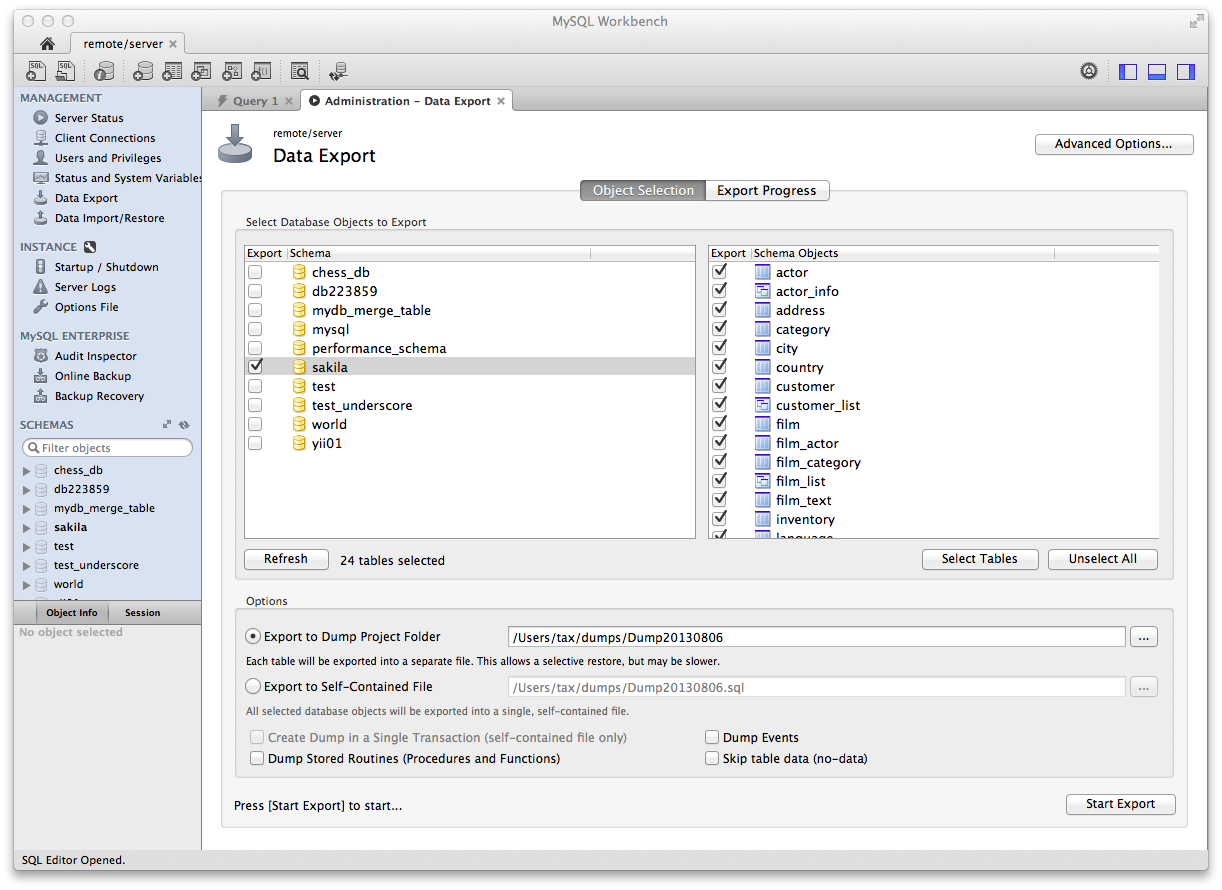
MySQL Workbench includes visual tools for mysqldump. Easily export/import data by selecting the database schemas and/or tables from the Object Browser. Advanced configurations are available for concurrency controls, backup type, and output formatting.
Table Data Import/Export Wizard for JSON and CSV
The Table Data Import/Export Wizard supports import and export of JSON and CSV files allowing for easy interoperability with MySQL tables. The new Table Data Import/Export Wizard also provides flexible configuration options including separators, column selection, encoding selection, and more.
Service Control
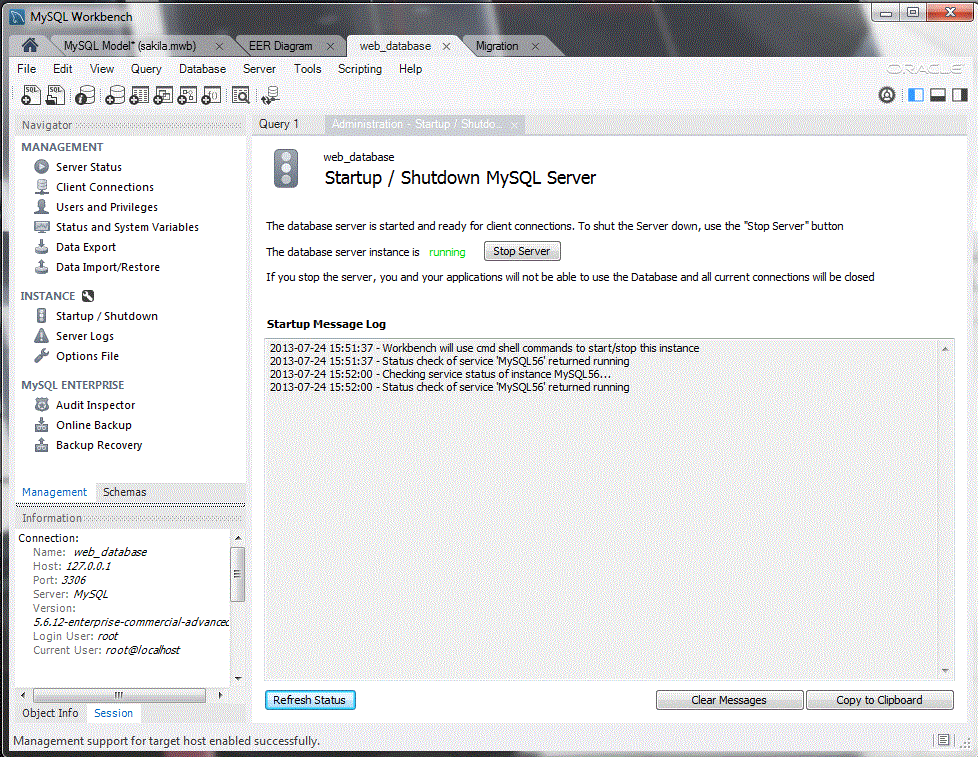
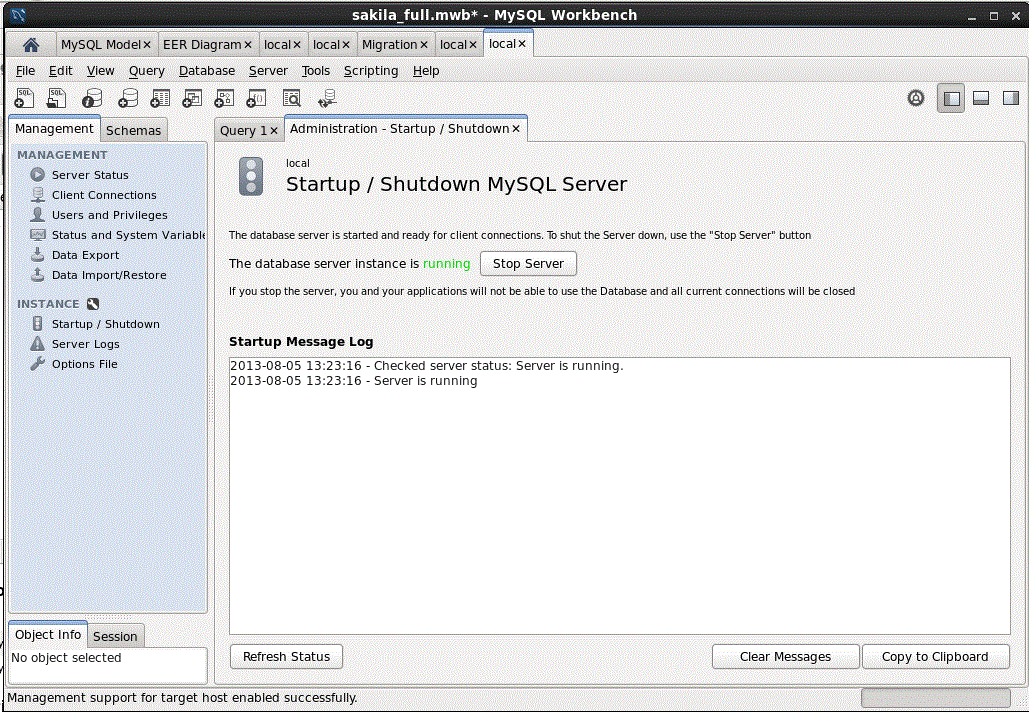
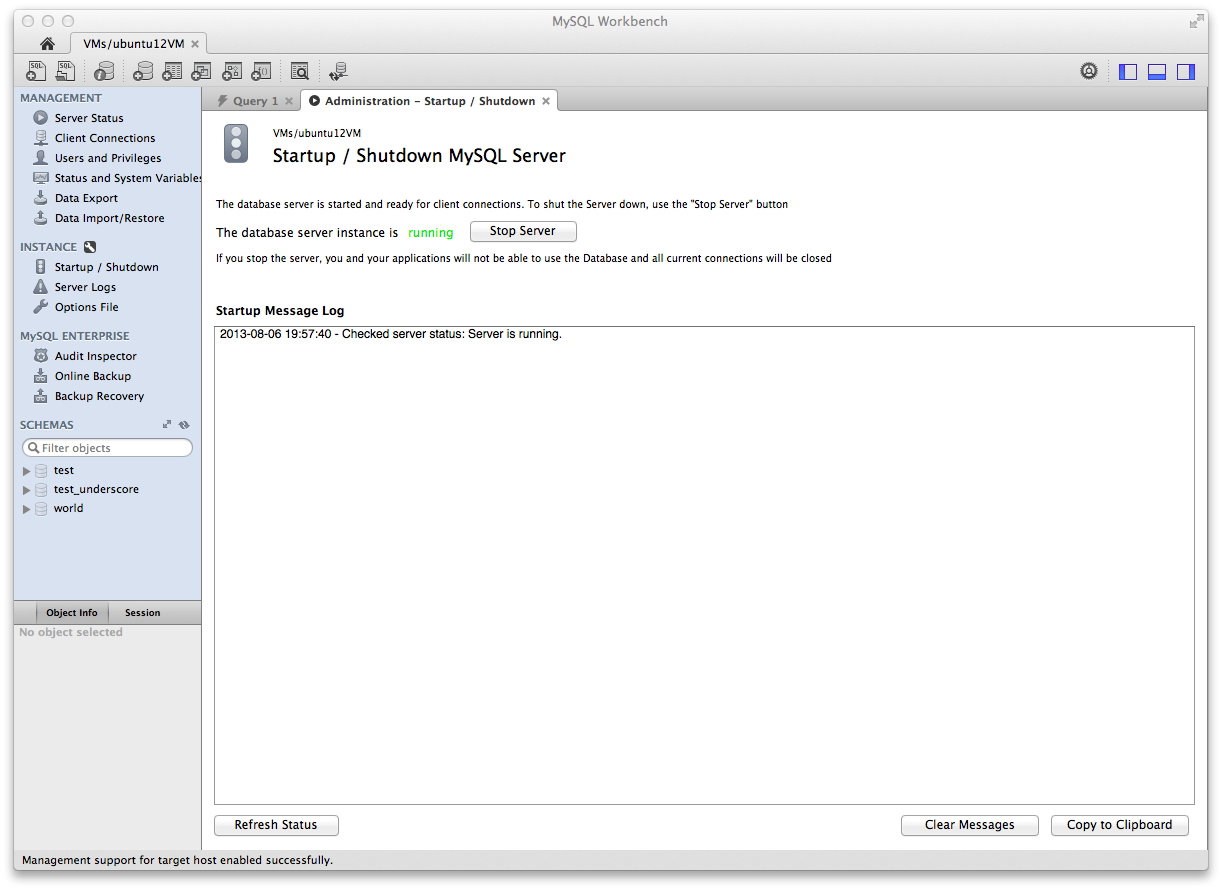
Start and stop MySQL servers and view corresponding log messages.
System Status
Get an immediate view into the basic health indicators and counters within a MySQL environment. Easily see key values such as available features, primary server directories, replication state, and security settings for authentication and ssl. Simple reports and graphs enable DBAs to easily track memory usage, connections, hit rates, and more.